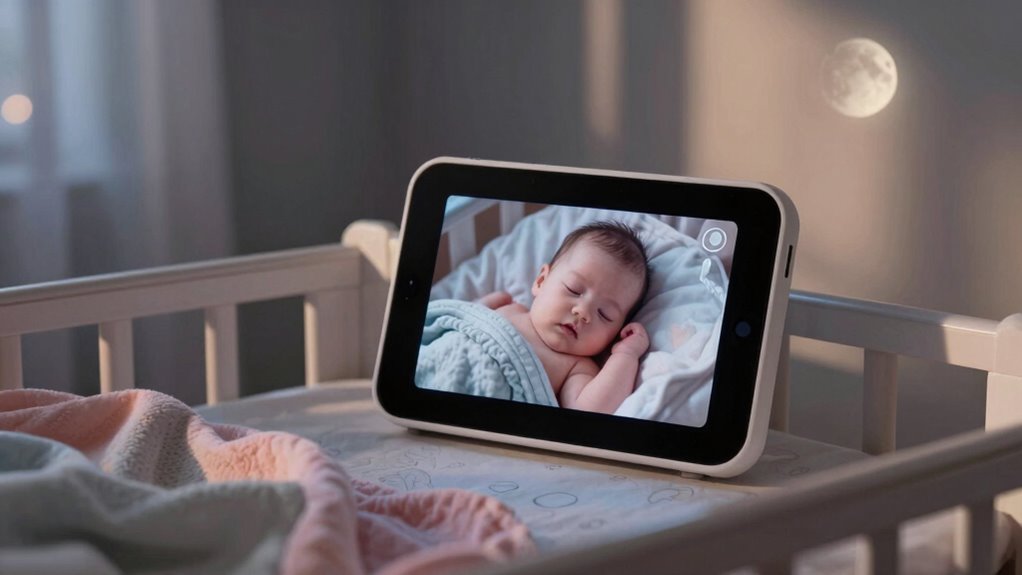

Many parents overlook the two-way talk feature on baby monitors, even though it’s one of the most useful tools for soothing and reassuring your baby. With this mode, you can communicate instantly without entering the room, helping calm your little one or alerting them to safety issues. It’s often dismissed as a luxury, but when used properly, it can improve both your baby’s comfort and your peace of mind. Keep exploring to discover how to make the most of this hidden feature.

Turn the school run and nap time into listening time
- Thousands of audiobooks, podcasts and originals
- Listen on your phone, tablet or Echo — also offline
- Cancel anytime
Key Takeaways
- Many parents overlook the two-way talk function, which allows soothing and communication without entering the baby’s room.
- The hidden or advanced features, like secret settings or firmware updates, are often ignored or underutilized.
- Real-time alerts for sounds or movements are frequently unused, despite their importance for quick emergency responses.
- Sleep tracking and environmental monitoring features are underused, limiting insights into the baby’s rest and safety.
- Remote access and longer battery life options are not fully utilized, reducing convenience and peace of mind.
As an affiliate, we earn on qualifying purchases.
The Baby Monitor Feature Most Parents Never Use

Many parents buy baby monitors with a variety of features, but one of the most commonly overlooked is the two-way talk function. It’s easy to fall for parenting myths or technology myths that suggest this feature isn’t essential. Some believe it’s just a luxury or unnecessary gadget, but it actually offers real benefits. You can comfort your baby without entering the room or soothe them when they’re crying. It creates a direct connection, giving you peace of mind and reducing anxiety. Surprisingly, many parents forget this feature exists or dismiss it as a gimmick. In reality, it’s a simple but powerful way to stay connected, making your parenting experience more responsive and reassuring. Don’t let misconceptions keep you from utilizing this valuable feature. Understanding the importance of two-way talk can help you make the most of your baby monitor’s capabilities. When used effectively, it can also serve as a home safety tool, providing additional peace of mind in your busy household. Additionally, integrating this feature with home security systems can further enhance your household’s overall safety. Exploring how this feature can improve parent-child communication may encourage more parents to utilize it fully.
Why You Should Consider Using This Hidden Feature
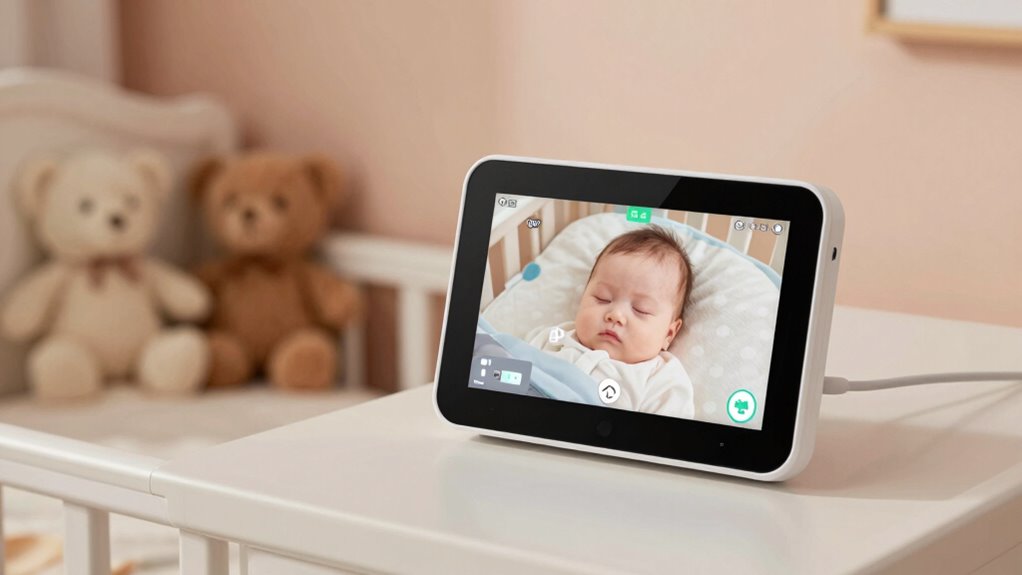
The two-way talk feature isn’t just a fancy add-on; it’s a practical tool that can make a real difference in your daily routine. It allows you to communicate with your baby instantly, which can soothe them or alert you to their needs without rushing into the room. Before relying on it, check device compatibility to confirm your monitor supports this feature. Many modern monitors offer this function, but some older models might not. Parental controls are also essential, giving you the ability to mute the microphone or restrict certain functions for added peace of mind. Using this hidden feature can streamline your interactions, making caregiving more efficient and less stressful. It’s a simple upgrade that can considerably improve your overall monitoring experience. User privacy considerations are also important, especially when enabling features that involve audio transmission. Additionally, understanding how wireless connectivity works can help ensure a reliable and secure connection while using this feature. Knowing about security protocols can help protect your family’s privacy during digital communication. Being aware of digital security best practices can further safeguard your family’s information while using connected devices. Incorporating these practices is especially crucial if you rely heavily on wireless technology for your monitoring needs.
How This Feature Can Improve Your Baby’s Safety
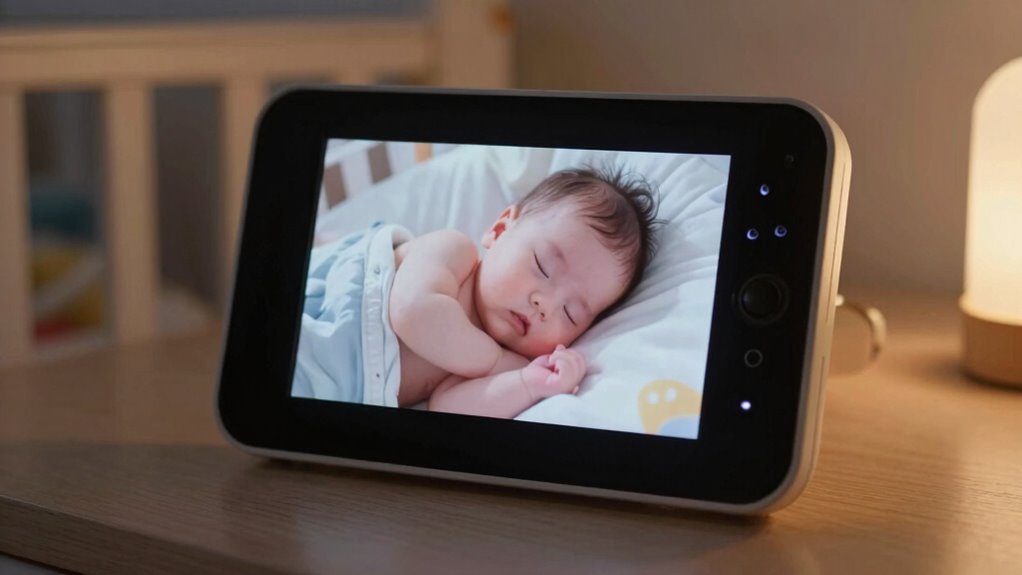
Using the two-way talk feature can substantially enhance your baby’s safety by allowing you to respond quickly to their needs or distress signals. When your baby cries or seems unsettled, you can comfort them instantly, reducing their anxiety and preventing potential hazards. This real-time communication supports effective parenting techniques by helping you stay connected and attentive, even when you’re not in the same room. It also reinforces baby gear safety, ensuring you’re aware of your little one’s condition at all times. By actively engaging through the monitor, you can monitor their environment for potential dangers, like drafts or loud noises, and address issues before they escalate. This feature creates a safer environment, giving you peace of mind and enabling more responsive, attentive care. Additionally, understanding the importance of urban traffic confidence can help parents stay alert to external safety factors that might impact their child’s environment. Furthermore, being aware of cable safety principles, such as managing heat buildup and avoiding toxic fumes, can contribute to a safer overall environment for your baby. Incorporating safety awareness into your routine can also help you identify potential hazards early and take preventive measures. Staying informed about home safety best practices can further enhance your ability to create a secure space for your little one, especially by understanding how environmental hazards might affect their well-being.
Common Misconceptions About This Baby Monitor Feature
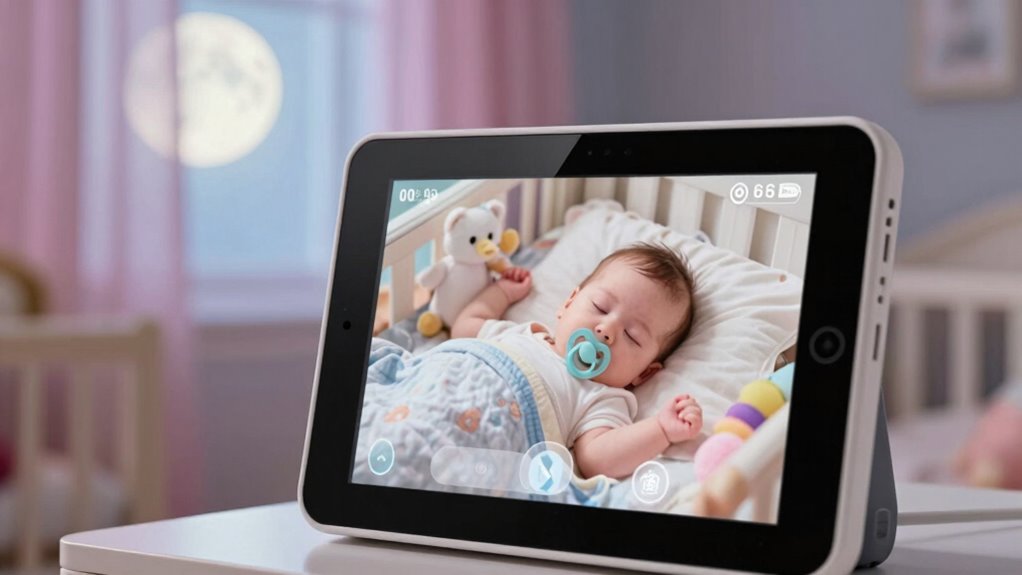
Despite its benefits, there are several misconceptions about the two-way talk feature that can lead parents to overlook or undervalue its usefulness. Some believe it disrupts the baby’s sleep or that it’s only for emergencies. Others think it’s unnecessary, confusing the feature with parenting myths about constant baby monitoring. In reality, it’s a helpful tool for soothing your baby or checking on them without entering the room. Think of it as a way to communicate or comfort instantly. To clarify, here’s a quick comparison:
| Misconception | Reality |
|---|---|
| It disturbs sleep | It can gently soothe your baby without waking them |
| Only for emergencies | Useful for quick reassurance or calming |
Understanding the truth turns this feature into a valuable parenting aid. Additionally, exploring wall art trends can inspire creating a calming environment in your baby’s nursery, enhancing their sense of security. Recognizing the benefits of two-way communication can help parents make more informed decisions about their baby monitor’s features. Moreover, understanding how spirituality insights relate to trust and reassurance can help parents feel more confident in using technology as part of their caregiving routine. Knowing that emotional needs are a core part of parenting can encourage more mindful use of monitoring features to support your child’s well-being.
Step-by-Step Guide to Accessing the Hidden Feature
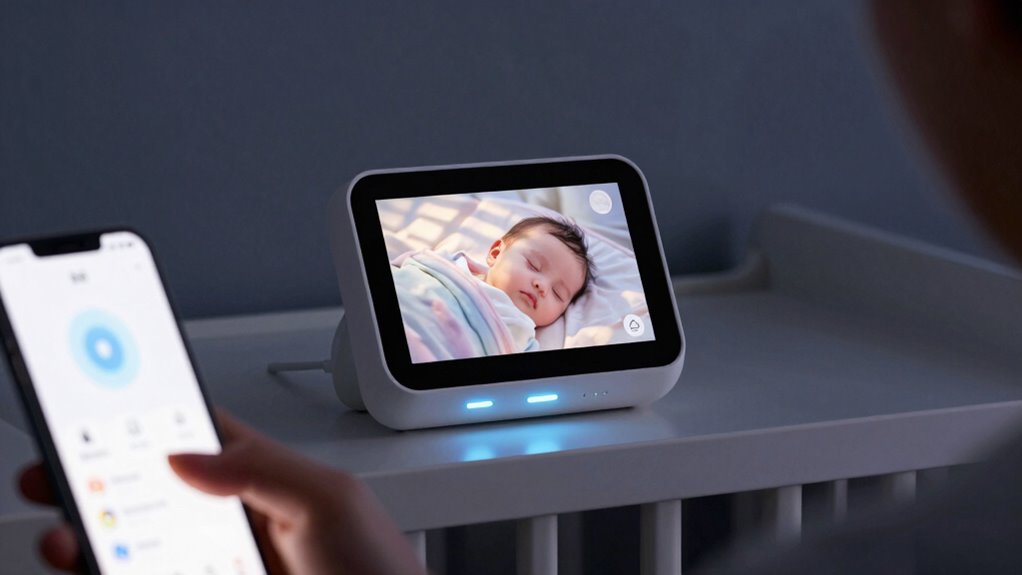
To access the hidden feature, start by locating your monitor’s settings menu, usually found in the main interface or under a gear icon. Once there, follow the prompts to activate the feature, which may involve toggling a switch or entering a specific code. With a few simple steps, you’ll gain access to this useful option that many parents overlook. Be aware that miscommunication between family members can sometimes lead to funny or unexpected outcomes during these setups. Understanding technological updates can also help you stay informed about new features or security enhancements that protect your family’s privacy. Being aware of cabling failures and how to troubleshoot them can ensure your monitor remains reliable and secure. Staying informed about privacy and security practices can further enhance your monitoring experience and ensure all family members can use the device comfortably.
Locating the Monitor Settings
Many parents overlook how easily accessible the monitor settings are, often missing out on useful features. With just a few taps, you can find the settings menu on most baby monitor technology. Usually, it’s located within the main interface or accessible through a dedicated button labeled “Menu” or “Settings.” Once there, you’ll see options for adjusting audio, video, and parental controls. To locate the specific controls for the hidden feature, look for sections labeled “Advanced,” “Extras,” or “Additional Settings.” Take your time exploring these menus, as they often contain the options necessary to customize your monitor to your needs. Knowing where to find these settings guarantees you can optimize your device and access features that might otherwise go unnoticed. Being familiar with the digital concepts behind your device can also help you troubleshoot and maximize its potential.
Activating the Hidden Feature
Activating the hidden feature on your baby monitor is straightforward once you know where to look. First, access the main menu and navigate to advanced settings. Many monitors hide these options to protect user privacy and manage tech integration. To enable the feature, you might need to press a specific sequence of buttons or enter a secret code. Be mindful of privacy concerns, especially if the feature involves remote access or recording. Once activated, test the feature thoroughly, confirming it functions as intended without compromising security. Remember, some monitors require firmware updates to release hidden capabilities. Always review the user manual for detailed instructions tailored to your model. Proper activation guarantees you leverage the monitor’s full potential safely and efficiently.
Real-Life Examples of Benefits From Using This Feature
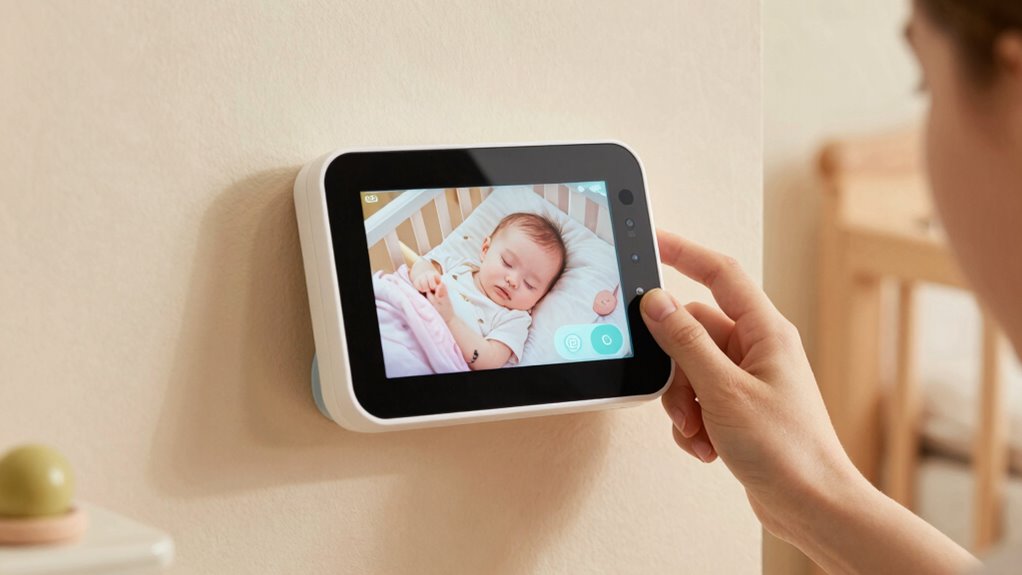
Using this feature can give you real peace of mind, knowing you’re more aware of your baby’s needs. It helps you respond faster during emergencies, reducing anxiety and ensuring safety. Plus, tracking sleep patterns over time can reveal helpful insights to improve your little one’s rest. Incorporating body-based methods can also enhance your overall awareness and connection with your baby.
Peace of Mind
Even if you rarely check the monitor during the night, knowing it’s there provides a sense of security. It allows you to monitor your baby’s comfort and safety without constant physical checks. For example, you can confirm your little one is peacefully sleeping, which eases worries during feeding routines or when adjusting nursery decor. This reassurance helps you relax and get better rest. Plus, hearing your baby’s sounds reassures you that they’re safe, even if you’re in another room. The monitor’s presence offers peace of mind, especially during sensitive moments like sleep regressions or illness.
- Reduces anxiety about sudden changes in baby’s behavior
- Helps you stay calm during night feedings
- Enables quick response if needed
- Supports a sense of control over nursery environment
- Reinforces confidence in your caregiving skills
Emergency Response Speed
In urgent situations, a baby monitor can considerably speed up your response time, making a critical difference in your baby’s safety. When you hear a sudden noise, features like noise cancellation help filter out background disturbances, so you can focus on your baby’s cries immediately. This quick alert allows you to act faster, whether it’s comforting your little one or checking on them. Additionally, a monitor with strong battery longevity ensures you stay connected longer without interruptions, especially during late-night emergencies. Real-life examples show that parents who use these features respond more swiftly, preventing minor issues from escalating. By combining noise cancellation and long-lasting batteries, your monitor becomes a reliable tool for rapid, effective responses when every second counts.
Sleep Pattern Tracking
Tracking your baby’s sleep patterns can reveal valuable insights that improve their overall rest and development. By monitoring sleep cycles, you can identify disruptions and adjust routines accordingly. This feature offers practical parenting hacks, helping you establish better sleep hygiene for your little one. For instance, noticing irregular sleep times allows you to create consistent bedtimes, fostering a sense of security. You might discover that daytime naps are too long, affecting nighttime sleep, or that certain noises disturb your baby’s rest. Using this data, you can fine-tune your approach, leading to more restful nights. Additionally, tracking patterns helps you recognize growth spurts or illness signs early, enabling prompt care. Ultimately, sleep pattern tracking empowers you to make informed decisions for healthier sleep habits.
Troubleshooting Tips for This Underused Feature

If you’re having trouble getting the underused baby monitor feature to work properly, troubleshooting can help identify and resolve common issues. First, check device compatibility—guarantee your monitor supports this feature and that firmware is up to date. Parental concerns often stem from connectivity problems, so verify that both units are on the same Wi-Fi network and within range.
Use this troubleshooting table for guidance:
| Issue | Solution | Tips |
|---|---|---|
| No audio or video feed | Restart devices, update firmware | Keep devices close during setup |
| Connectivity drops | Check Wi-Fi strength, reset router | Use 2.4 GHz band if possible |
| Device incompatibility | Confirm feature compatibility before purchase | Consult user manual or support |
This approach helps ensure smooth operation and peace of mind.
Comparing Baby Monitors With and Without This Feature
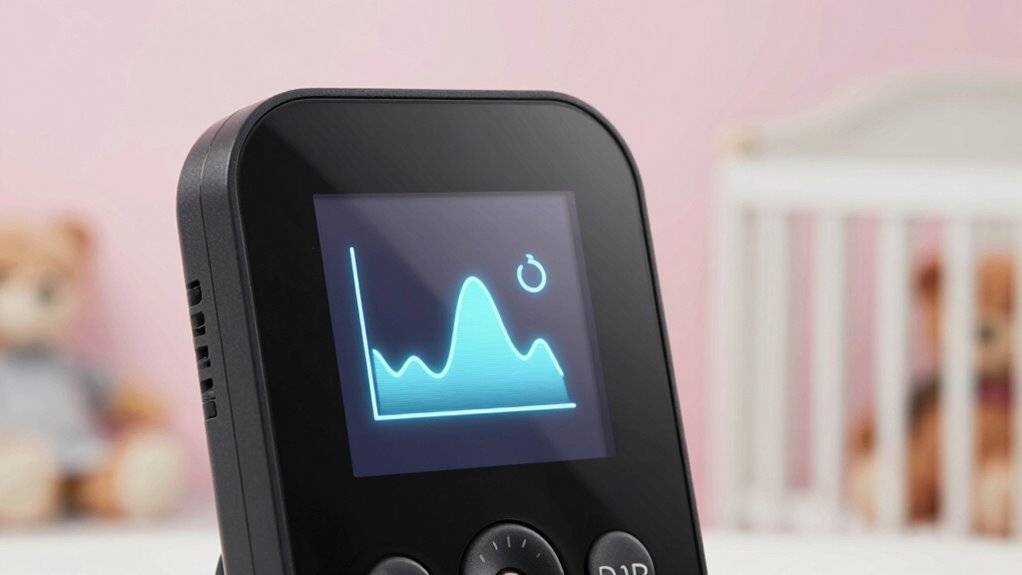
Choosing between baby monitors with and without advanced features can greatly impact your peace of mind and convenience. Monitors with extra features, like temperature sensors or night vision, can enhance safety without disrupting your nursery décor. They often offer longer battery life, reducing the need for frequent recharges, which is essential during busy days and nights. Without these features, your monitor may be simpler, but it’s usually lighter and easier to set up.
Consider these factors:
- How well the monitor integrates with your nursery décor
- Battery life for extended periods of use
- Ease of use and setup
- Additional safety features versus basic models
- Overall reliability and signal strength
Expert Advice on Making the Most of This Hidden Feature
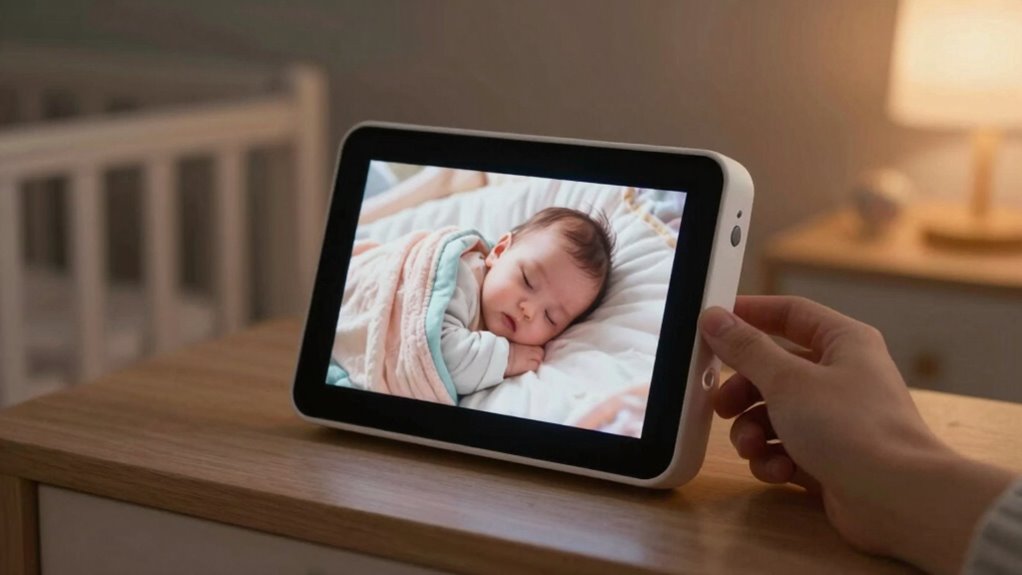
Many parents overlook the full potential of their baby monitor’s hidden features, but with a little guidance, you can maximize their benefits. Start by exploring the latest tech innovations, such as customizable alerts or remote access, to enhance your parenting strategies. Use these features to monitor your baby more proactively, reducing stress and ensuring safety. Read your monitor’s manual or online tutorials to understand all capabilities, and experiment with settings to suit your lifestyle. Incorporate this knowledge into your routine, like setting gentle wake-up alarms or using sound detection to stay informed without constant checking. By actively engaging with these hidden features, you’ll improve your responsiveness and foster a more confident, tech-savvy approach to parenting.
Why More Parents Are Starting to Use This Feature

As awareness of the hidden benefits of certain baby monitor features grows, more parents are starting to incorporate them into their routines. Tech innovations have made these features more accessible and user-friendly, easing parental concerns about safety and monitoring. Many parents now see value in using features like two-way audio, night vision, or sleep tracking to better understand their baby’s needs. These innovations often address specific worries, such as ensuring the baby’s well-being during naps or nighttime. Additionally, the ability to monitor remotely offers peace of mind when you’re away.
- Enhanced safety through real-time alerts
- Better sleep insights for your baby
- Increased convenience with remote access
- Improved responses to your baby’s cues
- Reduced anxiety during absences
Frequently Asked Questions
Can This Hidden Feature Be Accessed on All Baby Monitor Brands?
Not all baby monitor brands support this hidden feature, so brand compatibility varies. You need to check if your specific monitor model offers feature accessibility for this secret function. Some brands may lock certain features behind updates or premium versions, while others make them easily accessible. To find out, consult your user manual or contact customer support. If your monitor doesn’t support it, trying to access the feature could be impossible.
Does Using This Feature Affect the Monitor’s Battery Life?
Using this hidden feature does impact your monitor’s battery life, as it increases battery consumption and causes some power drain. You might notice the battery running out faster, especially during extended use. To avoid frequent recharges, consider using the feature sparingly or turning it off when not needed. This way, you preserve battery life without sacrificing the monitor’s functionality or your peace of mind.
Is There Any Additional Cost to Enable This Feature?
Enabling this feature usually doesn’t come with additional costs, but you should check for any cost implications specific to your monitor model. Compatibility concerns can arise, so confirm your device supports the feature before activating it. Most monitors include the feature at no extra charge, but some advanced models might require a subscription or in-app purchase. Always verify with the manufacturer to avoid surprises and ensure smooth functionality.
How Secure Is the Communication When Using This Hidden Feature?
The communication with this hidden feature is generally secure, using advanced encryption protocols to protect your privacy. However, it’s important to stay aware of potential privacy concerns, such as vulnerabilities or unauthorized access. Regularly updating your device’s software and changing passwords can help enhance security. While encryption offers a good layer of protection, always remain cautious and monitor for any signs of security issues to keep your baby’s environment safe.
Can This Feature Be Disabled Easily When Not Needed?
Like flipping a switch in your trusted vintage radio, you can easily disable this feature when you don’t need it, ensuring user convenience and addressing privacy concerns. You simply go into the settings menu, toggle it off, and it’s done. This quick action lets you maintain peace of mind, knowing your communication is secure and private whenever you want—no complicated steps needed.
Conclusion
Don’t dismiss this hidden baby monitor feature just yet—many parents hesitate, thinking it’s unnecessary. But once you try it, you’ll see how it can give you extra peace of mind and improve your baby’s safety. Sure, it might seem like a small detail, but embracing this feature could make a big difference in your parenting journey. Give it a shot; you might wonder how you ever managed without it.
Fall Picks
fall essentials
As an affiliate, we earn on qualifying purchases.